
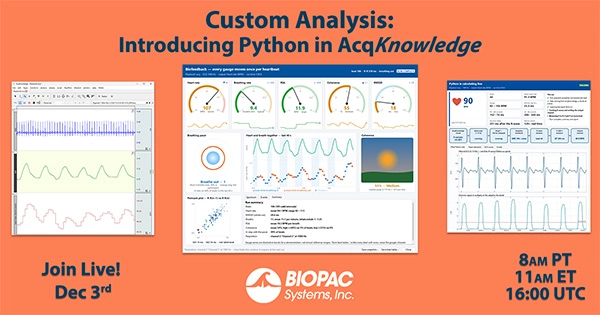
When a study protocol calls for a custom physiological measure, it helps to see how that measure behaves alongside the signal it comes from. In this webinar, Frazer Findlay, CEO of BIOPAC Systems, will demonstrate how to develop a calculation in AcqKnowledge using embedded Python, test it on a previous recording and apply it during a live experiment.
The demonstration starts with a research question and a recording. Findlay will show how to describe a calculation to an AI assistant, run the resulting script in the AcqKnowledge Python Editor and inspect its output on the graph. By replaying the recording, you can adjust the calculation parameters and check how those changes affect the result before your next participant session.
You’ll also see how to configure a Python Function calculation channel, display a custom metric on a live dashboard and save derived values or event marks alongside the original physiological signals.
Software requirements for using embedded Python: AcqKnowledge 6.0.3 or later for Windows and the Embedded Python add-on licence.
